Beyond Collaboration: Building Stronger Teams With Connected Tools
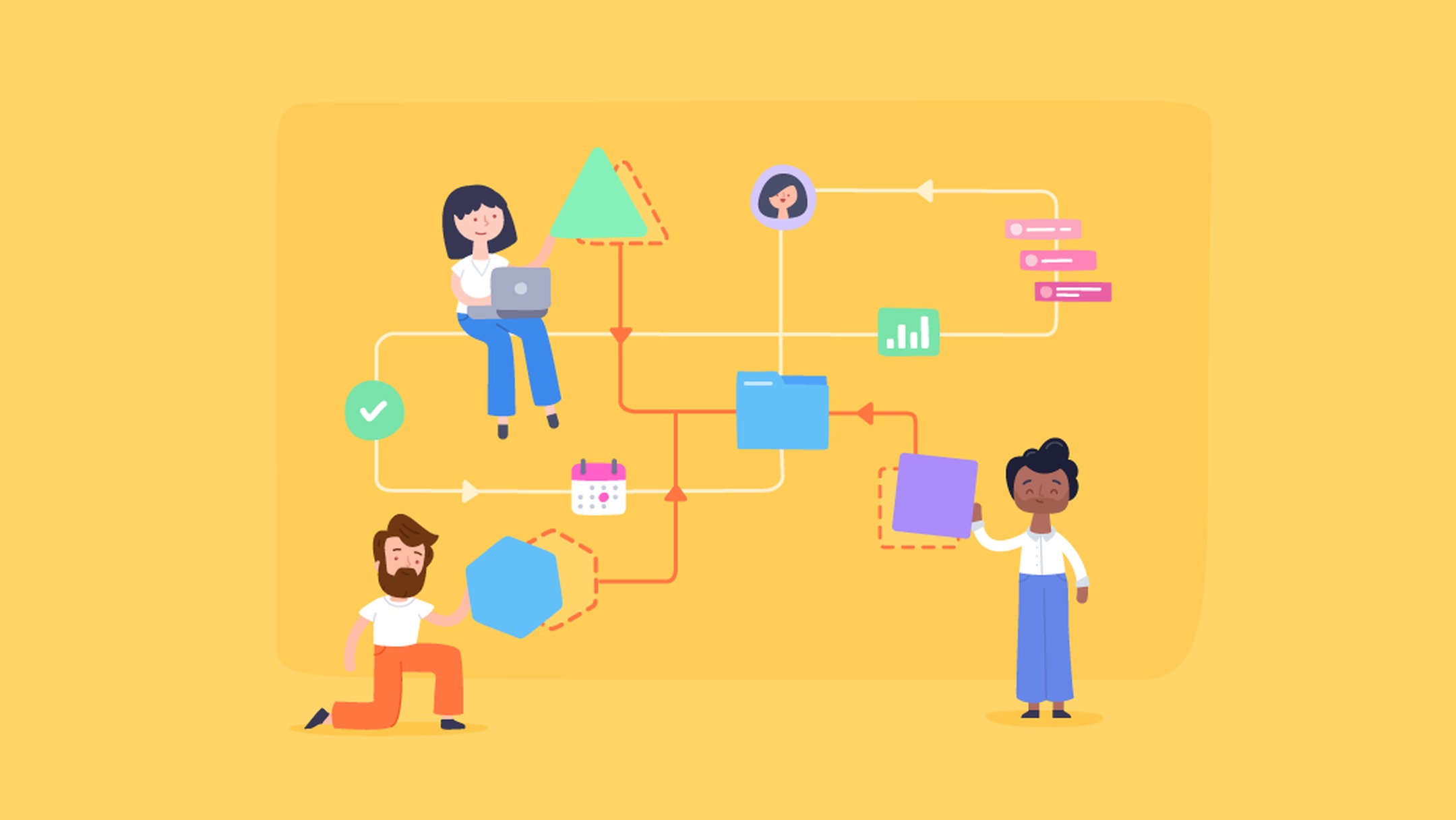
In today’s workplaces, it’s crucial to connect with others. It’s harder than ever for teams to stay on the same page because they now work across time zones, continents, and even cultures. Using a variety of apps may keep things going, but it can also lead to difficulties that aren’t always clear, such missed deadlines, having to do the same work over and over, and unclear ownership. Organizations need more than just a place to communicate; they need a connected space that helps them work together to get things done. Having all of your project management tools in one place has a big impact here.
Lark proves that linked technologies do more than just let individuals chat; they also make it possible for teams to achieve their best work. Lark makes it easier for individuals to work together by collecting all of their meetings, projects, papers, and messages in one location. This saves time and effort. Let’s look at how its elements work together to build teams that are not only more focused, responsible, and productive, but also better at working together.
Lark Messenger: Keep conversations sharp and purposeful

Lark Messenger
For teams to work well together, they need to talk to one other. But extensive chat threads can make it hard to remember key facts. Lark Messenger fixes this by providing talks with a structure that doesn’t make them slower or harder to utilize. Threaded discussions keep the context of a conversation, translation helps reduce language barriers, and messages are never alone; they always have to do with actions.
Messenger makes people act on what they talk about. In a matter of seconds, a manager’s quick response might lead to a meeting, or a teammate’s suggestion can be turned into a task. This decreases the risk of losing momentum and makes sure that meetings are more than simply talk; they lead to action.
Functions:
- Make the context clearer by starting threaded discussions
- Built-in translation to connect teams from all across the world right away.
- Sharing files with previews and a searchable history
- Make conversations into tasks on your calendar immediately away.
- Use announcement mode to make it easy to update big groups.
- Pin and bookmark important chats so you can easily discover them.
Lark Base: Give projects structure and visibility

Lark Base
People stay in touch through communication, yet projects still need to be planned. Lark Base is a configurable hub where teams can create databases that work like their workflows. Base adapts with projects and fulfills the needs of different departments, unlike spreadsheets that don’t change and are out of date soon.
A marketing team might check on the success of a campaign in gallery view, while product managers use schedules to make sure that releases happen on time. HR staff may check up on how new employees are doing with onboarding to make sure they don’t skip any steps. Base also makes it less reliant on tools by giving you a built-in means to keep track of customer connections. It brings the abilities of a CRM app that maintains track of customer information, deliverables, and follow-ups in relation to project tasks.
Functions:
- Different views, such as kanban, timeline, and gallery
- Assign tasks to people and connect them right away to project records.
- Sync with Docs, Calendar, and Messenger to get updates that matter to you.
- Dashboards that show data in real time make it less necessary to report by hand.
- Many departments can use them, from HR workflows to sales funnels.
- Tracking, like CRM, connects client data to work that is still going on.
Lark Docs: Make knowledge a shared resource

Lark Docs
People don’t usually appreciate documentation until something goes wrong, like when information is scattered out over a lot of email threads. Lark Docs stops this by making papers into live, collaborative spaces. Even though they are still utilizing the same site, teammates can work together in real time, leave comments, and add material.
Docs also encourage folks to keep involved. You don’t have to jump between apps to turn your brainstorming ideas into finished reports. When you link documents to tasks or project records, knowledge doesn’t stay in one place; it goes right to work. The team remembers things better, makes fewer mistakes, and has less work that needs to be done twice.
Functions:
- Editing together in real time with comments and references in the text
- There are many ways to format, such as tables, charts, and media.
- Direct links to calendar events, tasks, or projects
- Version control lets you see what has changed and go back to prior drafts.
- Safe sharing lets you alter permissions.
- Works well for editing on both PC and mobile.
Lark Calendar: Align schedules without the back-and-forth

Lark Calendar
Getting a lot of emails concerning scheduling is one of the things that slows teams down the most. Lark Calendar makes it easy to plan things by indicating when team members are free and automatically changing to different time zones. Teams can simply suggest, confirm, and join events, which frees up more time for them to accomplish their main work.
Calendar is more than just a digital calendar, though. It acts as a central place to plan by linking events to agendas, documents, and action items. When meetings are arranged, they aren’t merely empty slots; they are structured sessions with built-in context. This saves time in meetings and makes sure that deadlines are more than just dates; they are promises backed up by facts.
Functions:
- Calendars that teams and departments may share.
- Automatically changes for teams that work from different areas so they can see what time it is there
- Add deadlines from Base directly to calendars.
- Attach important documents and resources to events.
- Get smart notifications so you don’t miss your obligations.
- Set up regular meetings to keep working together
Lark Meetings: Turn discussions into progress

Lark Meetings
Sometimes meetings are necessary, but they can be costly if the outcomes aren’t clear. Lark Meetings solves this problem by turning video calls into part of connected work instead of separate chats. People can open papers, offer each other tasks, and take notes right there during presentations.
What comes next is the reward. Teams leave with clear tasks and recordings that are easy to access, so they don’t have to rely on memory or notes that are all over the place. It’s not so much about talking in meetings as it is about getting things done. Meetings also highlight how an automated workflow keeps things moving without having to follow up by hand. For example, routines can start automatically, delivering reminders or updating the status of a project.
Functions:
- HD video calls that you can initiate with one click from Messenger or Calendar.
- Shared Docs for taking notes in real time—take notes while you’re on the phone
- Make a list of things to accomplish right away, so you know what needs to be done next.
- Save recordings and transcripts for later use.
- Chat and share screens to work together better.
- Workflows that run on their own and connect the findings of meetings to wider plans
Lark Tasks: Anchor accountability in daily work

Lark Tasks
If you don’t follow through on your plans and talks, they’re pointless. Lark Tasks makes sure that people are accountable by letting them see what they have and when it is due. Tasks, along with communication and planning, help keep priorities straight, unlike to-do lists that are all over the place.
Tasks lets managers see how things are going clearly, which helps them see any delays before they get worse. It gives workers one place to go to find out what they and their teams need to do. Tasks minimizes the hidden cost of missing or duplicated work by turning conversations into action items and connecting them to project milestones.
Functions:
- Assign tasks with due dates and levels of importance.
- Make sure everyone knows about status updates so they can keep track of progress.
- Make chats in Messenger or meetings into tasks right immediately.
- Reminders that happen on their own make it less likely that you will miss deadlines.
- Put tasks into project structures in Base so that everyone knows what’s going on.
- Personal dashboards to help you keep track of specific tasks
Conclusion
It’s not just working together that makes teams stronger; it’s also systems that link all the areas of work. Lark highlights how unified tools improve teamwork from just talking to each other to making sure everyone is on the same page and moving forward. Messenger keeps conversations going, Base gives them a framework, Docs protects information, Calendar keeps everyone on the same page with their calendars, Meetings get things done, and Tasks make sure that no one forgets their responsibilities.
Hidden costs like misalignment, doing the same task twice, and wasting time may steadily wear down even the strongest teams. Lark and other connected platforms help organizations save money by making things clearer, more consistent, and more efficient.
Working together will always be crucial in the future of work, but connected tools are what make it happen. Lark not only helps teams get along, but it also helps them do their jobs better by putting their daily duties into a fluid framework.